Published: July 17, 2026
Last Updated: August 31, 2026
Spec sheets lie, or close enough. Two headsets can look nearly identical on paper and feel completely different once you’re wearing one. The real differences come down to unglamorous stuff. Do you already own hardware it pairs with? Which games will you actually play, not just browse in a store listing? And if something breaks, is anyone picking up the phone?
Short on time? Start with the table.
This guide covers standalone and console VR headsets built for gaming, nothing else. Looking for a PC-only tethered rig like Valve Index — or a mixed-reality headset built for work instead of play? Wrong guide.
Key points
- Buy Meta Quest 3 if you want the best balance of standalone gaming, clearer lenses, and optional PC VR.
- Buy Meta Quest 3S only when the lower price is the deciding factor.
- Buy PSVR2 if you already own a PS5 and care more about console VR games and OLED visuals than wireless play.
- For Indian buyers, verify the seller’s return and warranty terms before ordering imported hardware.
Which VR headsets for gaming should you buy?
Meta Quest 3 is the best all-round pick for most gamers. It works with no PC required and can still plug into one later for PC VR. Want to spend less? Get the Quest 3S. Already own a PS5? PSVR2 is the one.
| Your situation |
Best fit |
The deciding factor |
| You want VR without buying a PC or console |
Meta Quest 3 |
Strong standalone gaming, clearer optics, and PC VR remains an option later |
| You want the lowest sensible entry price |
Meta Quest 3S |
Same Quest game platform, with a softer view through older lenses |
| You already own a PS5 and want premium console VR |
PlayStation VR2 |
OLED display, PS5 games, and strong controller feedback |
| SteamVR is your main goal |
Meta Quest 3, after checking your PC |
Flexible wired or wireless PC VR support |
Resolution numbers aren’t where this decision starts. Your setup is.
A PS5 owner who games in one fixed room? PSVR2 makes complete sense. If you’d rather grab the headset and wander from bedroom to living room without a cable trailing behind you, that’s a different story — PSVR2 is the wrong call entirely. Quest 3S saves real money, no argument there. Spend long stretches in flight sims, though, or squint at small in-game menus, and the weaker optics get old fast. You’ll notice them every time you strap in.
Start with the hardware you already own
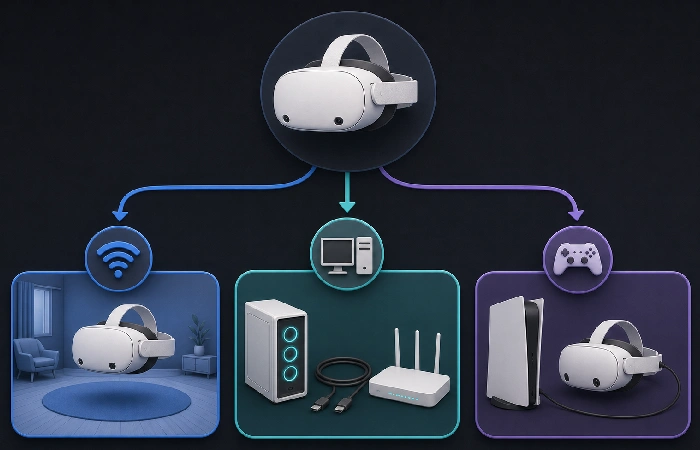
Standalone is the path of least resistance. Charge the headset, set your play boundary, start playing. Meta Quest 3 and Quest 3S run their own games start to finish, and no gaming PC ever enters the picture.
Not a small thing, that simplicity. Most first-time buyers have no real idea yet if VR turns into a weekly habit or a novelty that gets used twice and shelved. Buy standalone and you get to answer that question first — before a console, a graphics card, or room-tracking hardware ever eats into your budget.
PC VR opens the door to SteamVR and the heavier, more demanding titles. It also asks a lot more of you. Your graphics card, your processor, your USB setup, where your router sits, even your in-game settings, all of it shapes what you actually get. No headset, however good, rescues a tired PC or a shaky wireless connection.
PSVR2 is the console route, built for PS5 owners who want supported PlayStation VR titles and don’t mind a wire. Some people actually prefer that, since a tethered headset never runs out of battery mid-session. Others find the cable annoying from the first five minutes.
Honestly, whatever platform you already own should be doing most of this decision-making for you.
Meta Quest 3 review: the safest choice for most players
For most people typing “vr headsets for gaming” into a search bar, Quest 3 is the strongest all-round answer. It runs standalone, connects to a capable PC when you want more, and uses pancake lenses that keep the picture sharp even as your eyes wander around the display.
That last bit sounds like a spec-sheet footnote, but you feel it constantly. Menus read cleanly. Glancing toward the corner of a cockpit or a puzzle board doesn’t feel like squinting through a keyhole. You stop having to physically turn your head just to line up the one sharp patch of the lens with whatever you’re trying to read.
First-time buyers rarely know where their interest in VR will land. That flexibility matters more than most people expect going in.
Meta sells the Quest 3 as a standalone headset and lists a 512GB version on its official product page.
Battery life is the real trade-off — figure on a couple of hours of active play before charging becomes part of your routine. The stock fabric strap is fine for shorter sessions. Once it starts digging into your face, though, a better strap is usually the first accessory worth buying.
Long sessions, PC VR, watching media, anything text-heavy — that’s when Quest 3’s higher price actually earns its keep. If none of that describes how you’ll use it, the premium buys you less than it looks like on paper.
When Quest 3 is not the right buy
Skip it if the price gap leaves nothing left over for games or basic accessories. The headset is not the whole purchase, no matter how it’s marketed.
That caution goes double for Indian buyers eyeing imported stock. Get the invoice. Get the exact return window and the warranty terms in writing. Local availability through a marketplace does not mean official local service exists.
Meta Quest 3S: the budget VR headset for beginners
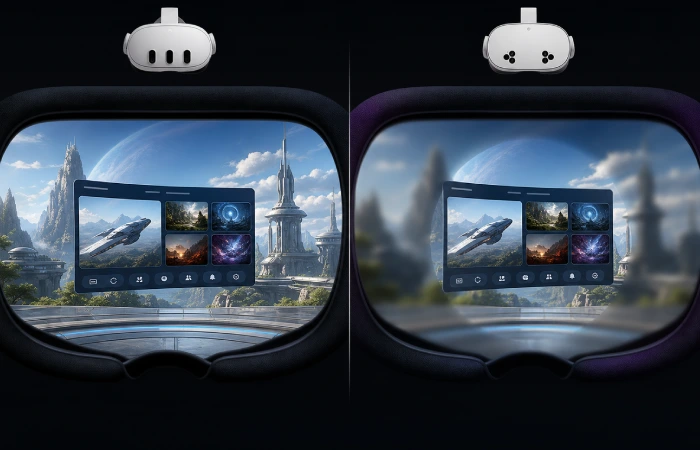
Quest 3S gets you current Quest games without Quest 3 pricing, and it’s not a watered-down platform. Motion controllers, modern standalone titles, a path to PC VR later, all of it’s intact.
The savings show up in one place: how it looks.
Older Fresnel lenses mean the sharpest part of the picture sits in a smaller central zone, and things go soft as your eyes drift away from it. That barely registers during fast-paced action games. It shows up fast in menus, movies, and simulation titles, especially side by side with a Quest 3.
If price is the ceiling and you want a no-fuss way into VR, this is the buy. Fitness games, quick action sessions, rhythm games, casual play with friends, all of it suits the 3S fine.
Just don’t mistake it for the same headset at a discount. You’re getting the same software platform through a less polished window, and that trade needs to be a deliberate one, not something you discover three weeks in.
PlayStation VR2: the right VR headset for PS5 owners
If your setup already revolves around a PS5, PSVR2 just extends what you have. OLED display, PSVR2 Sense controllers included in the box, and a single cable to the console — no separate PC, no extra hub. Sony puts the panel at 2000 × 2040 pixels per eye, with refresh rates hitting both 90Hz and 120Hz, according to its PSVR2 specs page.
OLED is the headline reason to want this over an LCD-based Quest. Dark scenes carry more depth. Controller feedback and headset vibration add a layer that games built specifically for PlayStation hardware lean on hard.
There are real limits, though. No standalone library here, so a PS5 is non-negotiable if you want the native VR games. And you’ll be playing with a cable attached to your head. Seated games barely notice it. Anything involving movement, and some players will mind it right away.
PSVR2 can connect to a PC, but Sony’s own PC preparation guide makes clear that route needs the PSVR2 PC adapter, the PlayStation VR2 app, SteamVR, and hardware that can actually run it.
Treat that PC option as a bonus, not the reason you buy. You’re still paying for the adapter, still need a capable machine, and some features stay locked to the native PS5 experience regardless.
Can your PC handle VR gaming?
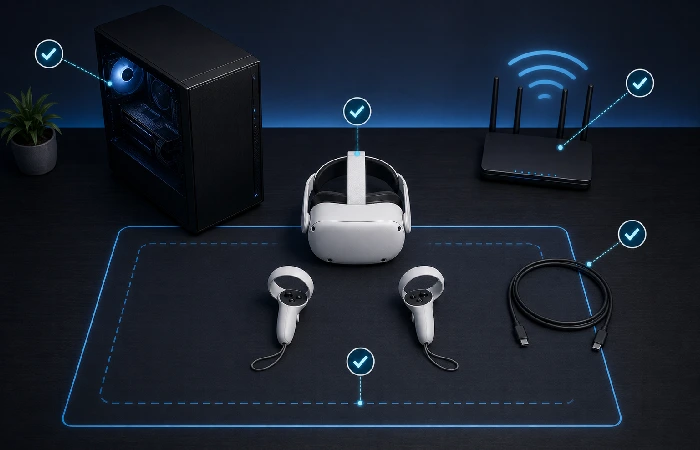
A high-refresh pc vr headset changes nothing if the computer underneath it can’t keep pace. VR punishes weak performance harder than flat-screen gaming does, because the display sits inches from your eyes with nowhere to hide dropped frames.
Check the actual games you want, not the marketing copy on the headset box. A simple rhythm game and a detailed racing sim ask completely different things of a PC.
Before buying, confirm your headset supports the PC VR connection you’re planning to use, then check the recommended graphics card and processor specs against your most demanding game. Decide between a USB cable and wireless streaming. If wireless is the plan, look at where your router actually sits and how stable that network really is. And set aside some budget for a cable, an adapter, or a network upgrade, because one of those three tends to come up.
Wireless PC VR isn’t automatic, either. An old router, one that’s far from your play space, or one already juggling several heavy users, means starting with a cable is the smarter first move. Upgrade the network once you know VR is sticking around.
The headset price is only the starting point
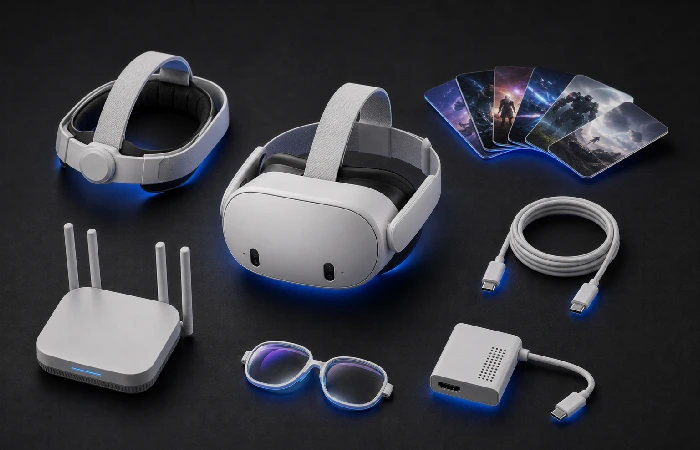
The number on the box rarely tells you what you’re really spending.
Quest owners rarely stop at the sticker price — a better strap, a carry case, prescription lens inserts, and stronger Wi-Fi have a way of showing up on the credit card statement within a month or two. No PS5 yet? PSVR2 isn’t happening without one, full stop. And PC users get their own surprise: an adapter or a cable nobody mentioned at checkout.
Games matter just as much. A headset with nothing on it worth playing ends up in a drawer, and it doesn’t matter how sharp the display looked in the store.
Don’t front-load every accessory purchase with the headset itself. Run the stock setup first, unless prescription lens inserts are a hard requirement from day one. A few sessions in, you’ll actually know whether the problem is comfort, battery life, or the PC connection, and buying blind before that point usually means buying the wrong thing.
For more buying ideas, see our guide to best entertainment gadgets. Buy for what you’ll reach for every week, not for a feature you’ll touch twice.
What Indian buyers should check before ordering
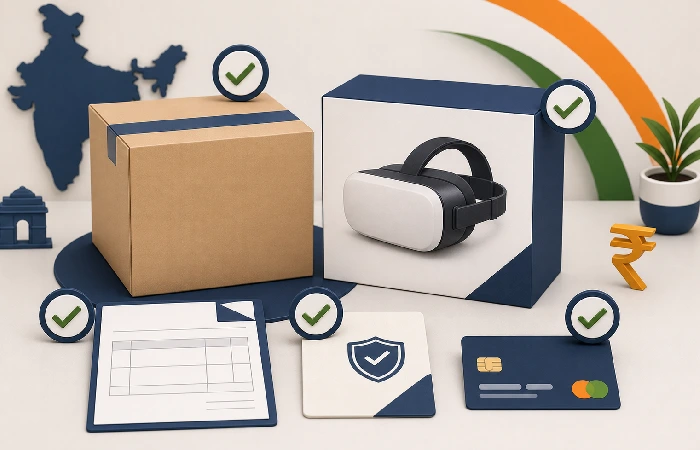
Imported VR hardware in India takes more homework than a straightforward local purchase. Availability through a marketplace or retailer doesn’t guarantee the same support a formally sold unit would carry.
Confirm the storage model. Check whether the unit is sealed. Get a proper invoice, and get the return window and fault-handling policy in writing, not verbally promised.
Check account setup and store payment options before you commit to a platform. Imported hardware is expensive enough without a payment or support snag surfacing after it’s already arrived.
And check the final delivered price on the actual day you buy. Import costs shift day to day, currency moves, stock runs low, seller margins change — none of it is fixed. Pay a little more to a seller with a genuinely clear return policy, and you’re usually better off, even when it stings at checkout.
Set up your space before the first session
Clear some floor space before you start. Huge rooms aren’t the requirement here. Low tables are, along with loose cables and anything else near your feet you won’t notice once the headset’s actually on.
If motion sickness worries you, begin with slower games and stop the moment you feel off. Push through a rough session anyway, and the next one tends to be worse, not better.
Before you buy a VR headset
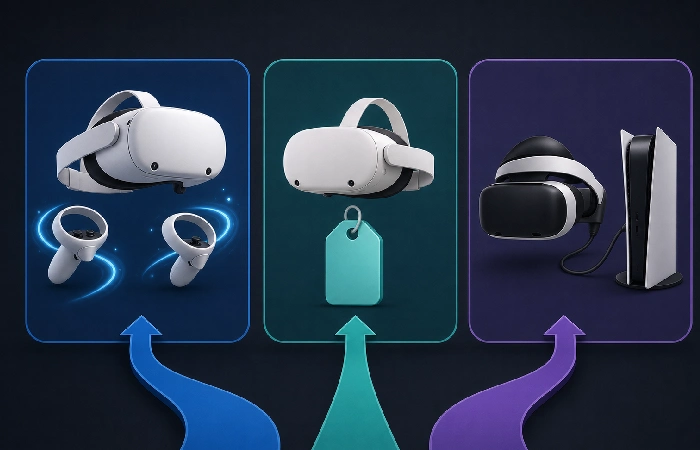
Do not buy the cheapest headset just because it gets you into VR. Quest 3S is a good call when the price gap is the difference between buying VR now and not buying it at all. For most new buyers, Quest 3 is worth paying for because you will notice the clearer lenses every session.
PSVR2 makes more sense if you’re a PS5 owner who cares about console games and OLED visuals more than wireless freedom. Not that? Quest 3 is the safer bet.
Buy whatever platform you’ll actually reach for every week — then pick a seller who’ll still pick up the phone if the headset fails. That’s the line between a useful VR headset and an expensive experiment.
FAQ
1. What is the best VR headset for gaming in 2026?
Meta Quest 3, for most buyers. No PC required, PC VR stays an option later, and the lenses beat Quest 3S outright.
2. Can I use a VR headset without a PC?
Yes. Quest 3 and Quest 3S are standalone. Buy the games, play them, no console or gaming PC involved.
3. Is Meta Quest 3 better than Meta Quest 3S?
The pancake lenses in the Quest 3 are sharper, full stop. Quest 3S costs less and still gets you the Quest platform. Heavy menu use or longer sessions push the decision toward Quest 3.
4. Is PSVR2 worth it if I already own a PS5?
For most PS5 owners, yes. OLED display, native access to supported PSVR2 titles. The cable’s the one thing to make peace with beforehand.
5. Can PSVR2 be used with a PC?
Technically, yes. You’ll need Sony’s PSVR2 PC adapter plus the PlayStation VR2 app, SteamVR, and a rig strong enough to drive it. Worth checking Sony’s current requirements before you buy the adapter — the list changes.
6. Do I need Wi-Fi 6E for wireless PC VR?
A strong, nearby router helps a lot. Struggling network? Start wired. It’s the more reliable option regardless.
7. What should I check before buying a VR headset in India?
Get the exact model, invoice, return policy, and seller warranty terms in writing first. Then confirm account setup, payment support, and — this is the one people skip — the final delivered price, locked in before you order, not after.
