Published: July 28, 2026
Last Updated: July 28, 2026
Choosing a smart security camera often involves getting lost in specs and overhyped marketing jargon that all begin to sound somewhat indistinguishable. To help you sift through that, we lined up the current contenders in terms of resolution, local vs subscription storage, subscription fees, and Smart Security ecosystem availability to bring you the 10 best security cameras to buy in 2026 all in one place for indoor use, outdoor monitoring, modest budgets, and more.
Quick answer: The top smart security cameras are those that offer a good mix of video quality, low storage cost and integration with a smart home.
Definition: Best smart security cameras are identified by the integration of motion alert, two way audio and local or cloud video storage with smartphone application access for home surveillance.
1. Arlo Pro 5S — Best Overall
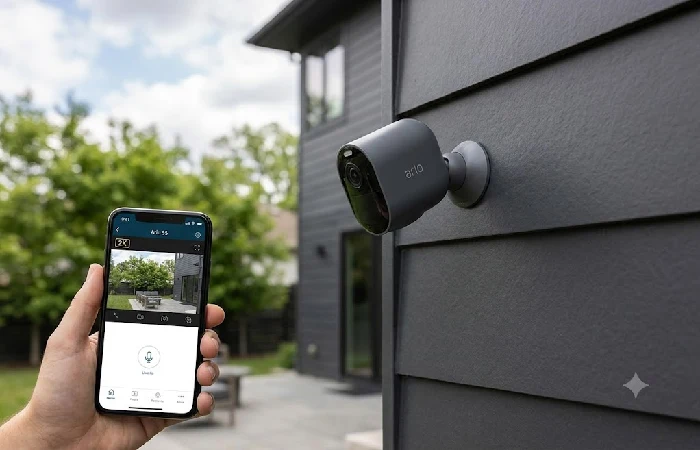
The Arlo Pro 5S is still the best general purpose option for most households, offering 2 K HDR video with color night vision, and around 6 months of battery life on a single charge. It is one of the few cameras that natively works in all four major ecosystems (HomeKit, Alexa, Google Home, and SmartThings), so it is a good buy if you haven’t yet decided on a smart home ecosystem. The drawback is that most of its smart features are only available through the optional Arlo Secure subscription.
Best for: Buyers looking for a single camera that operates with any smart home system.
2. Google Nest Cam (Wired) — Best Indoor Camera
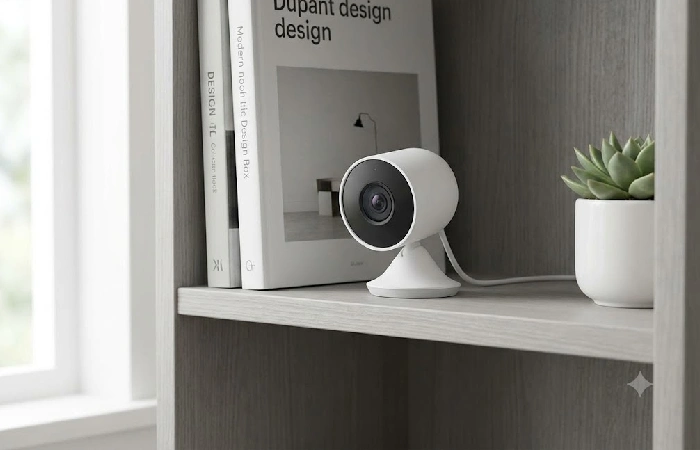
The wired Nest Cam is still one of the most straightforward indoor cameras to live with. Its on-device AI can identify people, delivery parcels, pets, and cars without a monthly fee and it offers a few hours of rolling video storage at no cost. Like most indoor cameras, it is straightforward to install, and small enough to hide away on a bookshelf or by a front door.
Best for: a no-nonsense indoor camera with free smart alerts.
3. Google Nest Cam (Battery) — Best Outdoor Camera
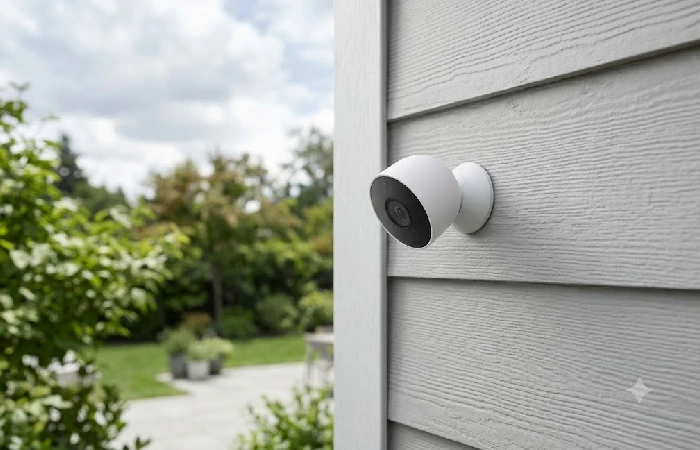
Battery-powered Nest Cam extends this same on-device intelligence to an outdoor setting, with the added advantage of allowing flexible placement thanks to its battery power. It is weatherproof, produces high quality video both in daytime and at night, and just like its wired counterpart comes with a substantial amount of free video history before you’d ever need to purchase Nest Aware.
Ideal for: outdoor coverage that doesn’t require a subscription.
4. Wyze Cam v4 — Best Budget Pick
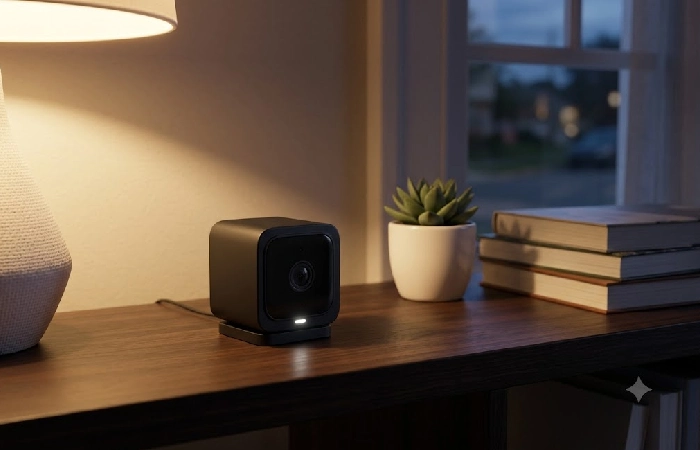
At less than $50, the Wyze Cam v4 packs a lot of bang for the buck: 2.5K resolution, color night vision, and person, package, and vehicle detection that you will find in cameras costing a lot more. You get local microSD storage (no subscription needed), and you can add the optional Cam Plus plan for increased cloud storage history on demand.
Ideal for: first-time buyers, or anyone on a budget outfitting several rooms.
5. Eufy Security Cam S330 — Best No-Subscription Camera
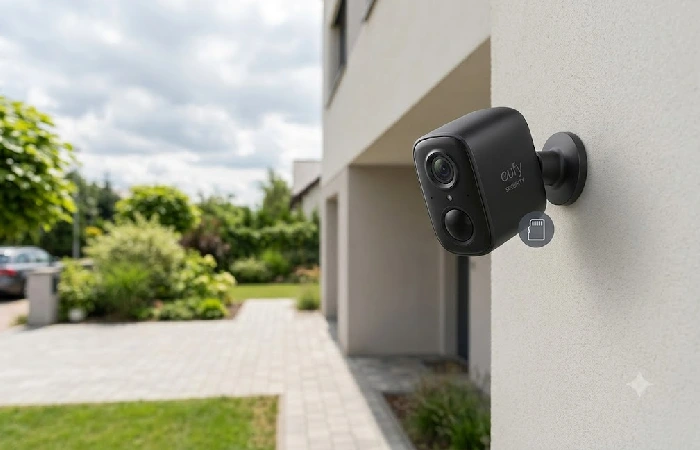
Eufy S330 uses exclusively local-first storage, a dual-lens 4K camera with zero monthly cost that has always existed. Your footage can be stored on your own hardware instead of Google’s or Amazon’s servers, which is also good for anyone who prefers privacy and security.
Best for: buyers who want full functionality without an ongoing bill.
6. Ring Indoor Cam — Best for Alexa Households
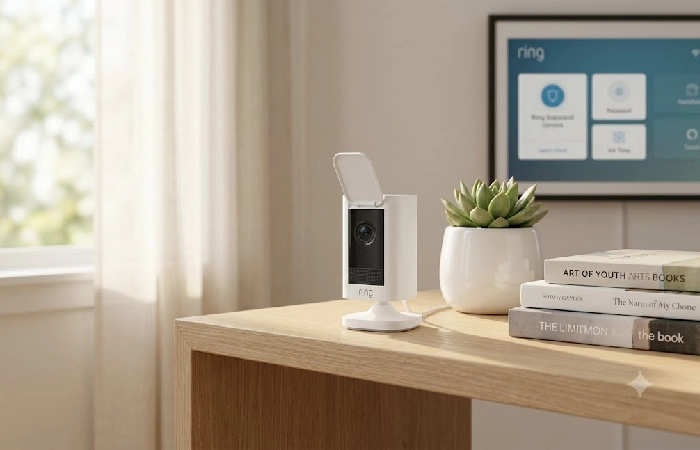
If your house is already Alexa-powered, then there is no more intuitive option than the Ring Indoor Cam, with its radar-enabled motion detection and seamless integration with the rest of the Ring system (video doorbells, other Ring surveillance cameras, etc.). Live view and self-monitoring are free, but lots of cloud history calls for a Ring Protect plan.
Best for: If you are a homeowner who already owns Alexa, or other Ring devices.
7. TP-Link Tapo C460 — Best Value Solar Outdoor Camera
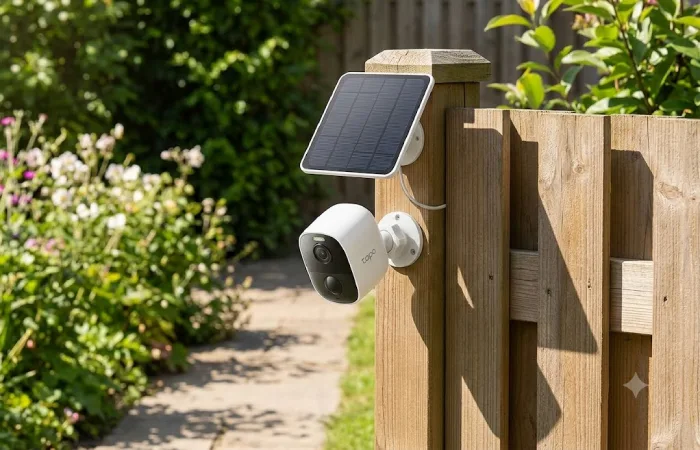
The Tapo C460 combines a 4K image sensor with a free pack-in solar panel and can work endlessly in a sunny spot; no battery replacements or wiring needed. All essential features local storage and smart alerts work without subscription and beat the priciest solar cameras by a long shot.
Best for: cheap outdoor coverage that doesn’t have to have a prong to plug into.
8. Aqara Camera Hub G3 — Best for Apple HomeKit
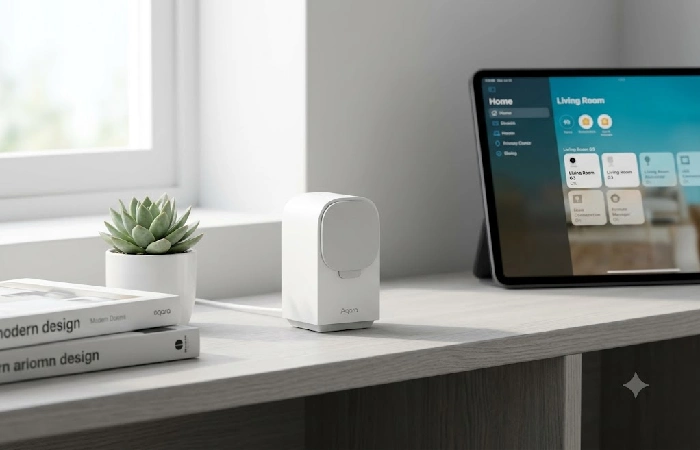
In a smart home centered around Apple products, the Aqara Camera Hub G3 has support for HomeKit Secure Video, so the footage is end-to-end encrypted all the way to iCloud instead of the footage passing through a third-party cloud service. It also serves as a Zigbee hub, so it enables it to control other supported smart home accessories.
Ideal for: Apple Home households wanting secure, private, encrypted video storage.
9. Wyze Cam Floodlight Pro — Best Floodlight Camera
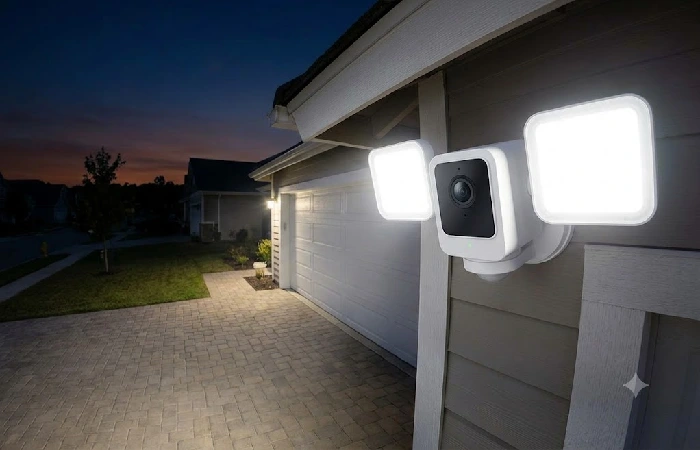
A floodlight camera that includes a camera, the Wyze Cam Floodlight Pro has a 2.5K resolution and a 180-degree view at significantly less cost than similar floodlight cameras offered by larger name brands. This is an excellent option for driveways, front yards, or other broad areas that need light and video coverage.
Best for: outdoor coverage over a large area along with a light.
10. Lorex 4K Outdoor Camera — Best for Rugged, Local-Storage Setups
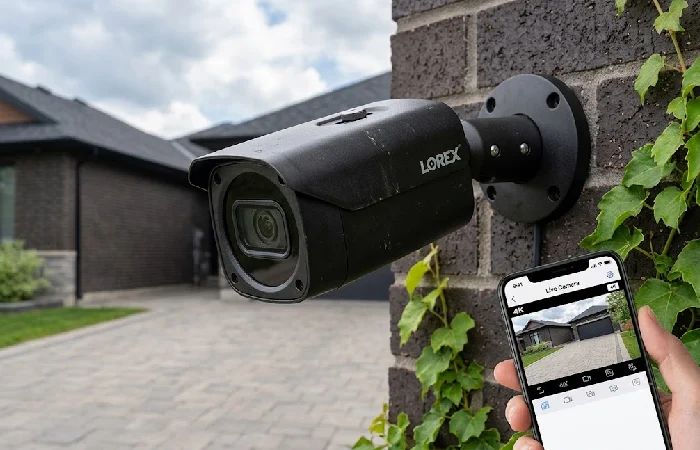
All Lorex cameras are primarily designed for durability and local storage, rather than for being necessarily on the bleeding edge of software features, so are a good choice for those who require good, reliable hardware which doesn’t require a reliance on the cloud. There is quite a breadth of technical specifications available, with some cameras having optional cloud subscriptions, but all of their hardware should be able to work without one.
Best for: people who are willing to compromise on AI advances for the advantages of rugged build quality and self-sufficiency.
How We Compared These Cameras
All four of the above picks judged on four criteria that matter most to typical day-to-day ownership: video quality, storage (local vs. cloud, and if core features need a subscription), smart-home ecosystem integration, and value relative to equally viable alternatives. Several vendors now provide free local video storage from internal memory or a microSD card, which is something to keep in mind if you would really rather not pay a recurring fee. Keep in mind that Matter camera support is somewhat sparse in 2026, so cross-platform promises aren’t final until you have selected a model.
Frequently Asked Questions
1. Do smart security cameras need Wi-Fi to work?
Most will stream video live over Wi-Fi, along with letting you view alert snapshots and use cloud storage. Cameras that support recording locally to an SD card without internet use may still require live access to Wi-Fi for remote viewing, smart alerts, and cloud backups.
2. Do I need a subscription for a smart security camera?
Not necessarily. Many other models above, like Eufy S330 and Tapo C460 provide all core features without having to sign up for a subscription. Others, such as Ring and Arlo, provide simple live view and self-monitoring for free, but then block extended history and advanced notifications behind a subscription.
3. Are outdoor smart cameras actually weatherproof?
Yes, provided they are IP rated in the right way. You need IP65 at least for outdoors, and IP67 if you’re likely to have a lot of rain, dirt and temperature change.
4. Can my smart camera see into my neighbor’s yard?
It also can, if you tilt it that way, and that’s worth avoiding. All of the camera applications for the picks above allow you to create privacy zones that block certain portions of the footage (something like your neighbor’s window or the adjacent walkway).
5. What’s the difference between a smart camera and a video doorbell?
A video doorbell is a focused smart camera in a doorbell chassis, triggered mainly by button presses or door-area motion. A dedicated smart camera, like the picks above, fits many locations and isn’t limited to a doorbell.
