Published: September 23, 2026
Last Updated: September 23, 2026
Quick Answer: Task boards, time tracking, invoicing — the best project management software for freelancers handles all three in one place. Trello works for simple client boards. Zoho Projects fits better if you’re already on other Zoho apps. Which one’s right comes down to client count, whether you bill hourly, and your monthly budget.
Tasks, deadlines, time tracking, invoicing. Project management software for freelancers puts all four in one place, so running several client accounts doesn’t mean losing track of any of them. How many clients you’re juggling matters. So does whether you bill hourly, and how much setup time you actually have to spare. This guide walks through what to look for, and where a few popular tools fit.
Freelancers make up a large and growing share of the workforce. More than one in four U.S. knowledge workers now freelance, and skilled freelancers collectively earned $1.5 trillion in 2024, according to Upwork’s Future Workforce Index — with those who freelance exclusively reporting a median income above the full-time employee median. That scale explains a lot. Freelance-friendly project tools built to protect billable time, not eat into it, now sit alongside general team software for exactly that reason.
Freelancers who earn exclusively through freelance work already report a higher median income than full-time employees, according to the data. Pick the wrong tool and those billable hours don’t stay protected. Time gets lost in the gaps, a missed timer here, a task logged late there.
Why Freelancers Need Project Management Software
Freelancers juggle several clients at once, each with different deadlines, communication styles, and expectations. A spreadsheet or a notes app tracks one project fine, but it breaks down once you’re running three or four in parallel — a different problem from what project management software for small business teams typically needs to solve, since freelancers are managing separate clients rather than one shared internal team.
Separate software keeps each project’s tasks, files, and deadlines somewhere visible, in its own space. That’s the delivery side. It also ties that to the business side, time logged, invoices sent. No digging through old messages at month’s end trying to remember what you actually billed for.
Skip that structure and the failure points show up fast. Deadlines get missed. Hours go undercharged. Client messages scatter across email, chat apps, file-sharing links, wherever the conversation happened to land.
How to Manage Multiple Client Projects
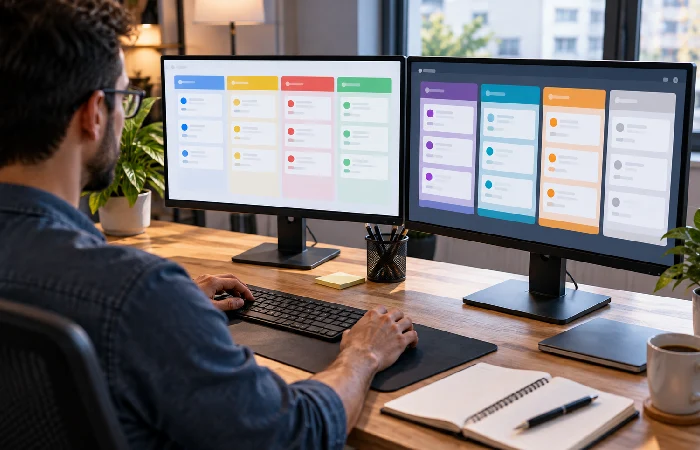
Tasks bleed into each other without separate workspaces. A board per client fixes that. Most tools let you set one up. Then filter the whole list by client, deadline, or priority. One view, everything due that week, nothing buried in separate boards.
Two or three active clients in, task lists alone stop cutting it. You need a shared calendar or timeline view. Overlapping deadlines don’t announce themselves, and that’s the one place you’ll actually catch them before they collide.
Then there’s client-facing views. A client checks task status without ever touching your internal workspace, no login to your actual account, no poking around your files. Fewer status-update emails land in your inbox because of it. Look for a tool that shares a single board or a read-only link instead of inviting clients in wholesale.
Time Tracking and Deadline Management for Freelancers
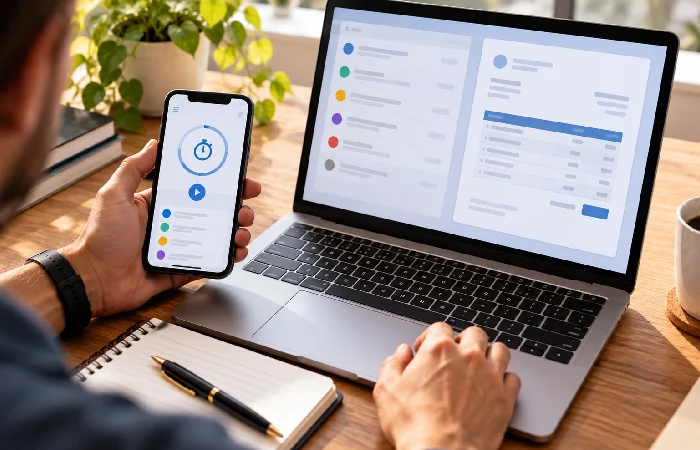
Bill hourly? Time tracking built into the same tool as your task list skips a step. Start a timer on a task, the hours land against it automatically. No separate app, no Toggl, no copying numbers over by hand later.
Due dates on individual tasks, alone, aren’t enough. Not really. You need a higher-level calendar or timeline too, one that lines up client deadlines side by side. A flat task list won’t show you two clients landing on the same day. It just sits there, quiet, until the day arrives and it’s too late to move anything.
Automated reminders help on both sides. One for you, one for whatever a client needs to sign off on. A message sitting unread shouldn’t be the reason a deadline slips.
Invoicing and Collaboration Features to Consider
Invoicing built into the project tool, not a separate app, lets you generate an invoice straight from logged hours or completed tasks. No double entry. You’re not tracking time in one place and billing in another anymore.
A few collaboration features are worth checking before you commit. File sharing per project. Comment threads tied to specific tasks, not a general chat. And the ability to invite a client as a guest, without handing them access to every other client’s work too.
Proposals and contracts are a different story. Some freelancer-focused tools bundle that in from the start. General project tools usually don’t. You’ll end up reaching for a separate app to cover that part of the workflow.
How to Choose a Freelancer Project Management Tool
Start with your actual workflow. How many active clients do you typically run? Do you bill hourly or by project? What are you actually willing to pay per month? A tool loaded with team-collaboration features you’ll never touch isn’t the better choice just because the feature list is longer.
Free and low-cost plans cover a surprising amount of ground for a solo freelancer. Trello’s Standard plan runs $5 per user per month billed annually. Its free plan already supports up to ten boards. That’s enough room for several clients before you’d need to upgrade at all.
| Tool |
Starting price |
Best fit |
| Trello |
Free; Standard at $5/user/month billed annually |
Simple kanban boards per client, light setup |
| Zoho Projects |
Free for small teams; paid plans from roughly $4 to $9 per user/month |
Freelancers already using other Zoho apps like CRM or Books |
| Asana |
Free Personal plan; Starter at around $10.99/user/month billed annually |
Freelancers who want timeline views and unlimited automation |
Prices checked September 2026. Billed per user, and worth confirming, since the vendor’s actual pricing page is the only place these numbers still hold. These figures move without much notice.
Already using Zoho’s other apps for invoicing or CRM? That’s the case where Zoho Projects earns its keep, keeping the work in one ecosystem instead of two. No syncing data between separate tools. That’s according to a comparison of freelance-focused platforms.
Two or three tools, that’s the shortlist size. Trial each one for real. A week on an actual, active client project, never a demo workspace, since demos don’t lie the way invoicing and deadlines do. Sales demos make everything look finished. Actual invoicing and actual deadlines find the clunky parts fast.
Frequently Asked Questions
1. Is Trello good enough for freelance project management?
Simple, visual boards per client. Trello’s whole pitch for freelancers, really. It skips built-in invoicing entirely. Free plan, up to ten boards. Pay for the Standard tier and you get unlimited boards plus advanced checklists.
2. What’s the best project management software for freelancers who bill hourly?
Time tracking belongs in the task view itself. Not bolted on from a separate app. Hours log against the task directly. They flow into an invoice from there. No re-entry.
3. Do I need a separate invoicing app if I use project management software?
Depends on the tool. Some freelancer-focused platforms generate invoices right from tracked time or finished tasks. One app instead of two, for most solo freelancers anyway.
4. How many clients can one project management tool realistically handle?
Boards scale, not client counts. Add one per client and there’s no built-in cap stopping you. Your own organization is the limit here. The software isn’t.
5. Is a free plan enough for a freelancer just starting?
Usually. Trello’s free tier, for instance, covers enough boards and users for a handful of clients on its own. Automation, advanced views, admin controls, that’s when upgrading actually starts to matter.
6. What should I look for in a project management software for freelancers besides task tracking?
Time tracking. Client-facing views that don’t expose your other clients’ work. Invoicing tied to logged hours. These matter more for freelancers than the team-collaboration features general project tools tend to emphasize.
Managing two or three active clients on spreadsheets and a notes app? Start with a free plan on a simple tool like Trello. Add time tracking or invoicing later, once the manual tracking starts costing you real time.
For a broader look at project management software across business sizes, see our Project Management Software pillar guide.
