In today’s digital-first environment, printers still play a vital role in homes, schools, and offices. From printing assignments and invoices to producing high-quality photographs, a dependable printer remains an essential device. Retail giant Walmart offers a wide selection of printers across different price ranges, making it a convenient destination for buyers looking for value and variety.
This guide expands on everything you need to know about buying printers at Walmart, with a strong focus on clear explanations and structured comparisons.
Understanding Printer Types
Choosing the right printer begins with understanding how different types work and what they are best suited for.
Inkjet Printers
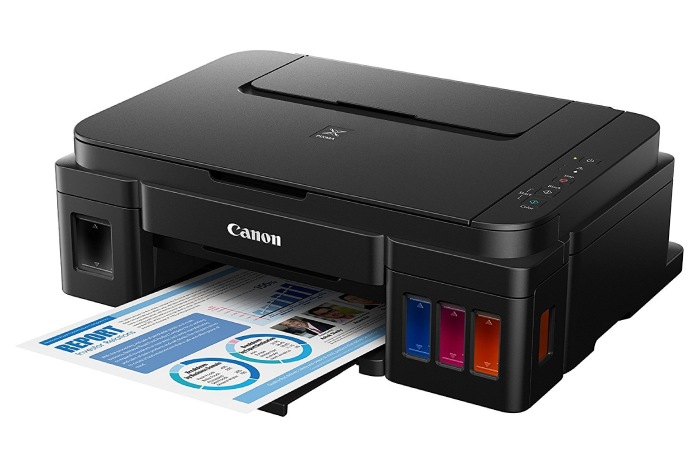
Inkjet printers are widely used in homes because of their affordability and versatility. They work by spraying liquid ink onto paper, which allows them to produce both text documents and vibrant images. These printers are especially suitable for students and families who print occasionally. However, frequent users may find ink replacement costs relatively high over time.
Laser Printers
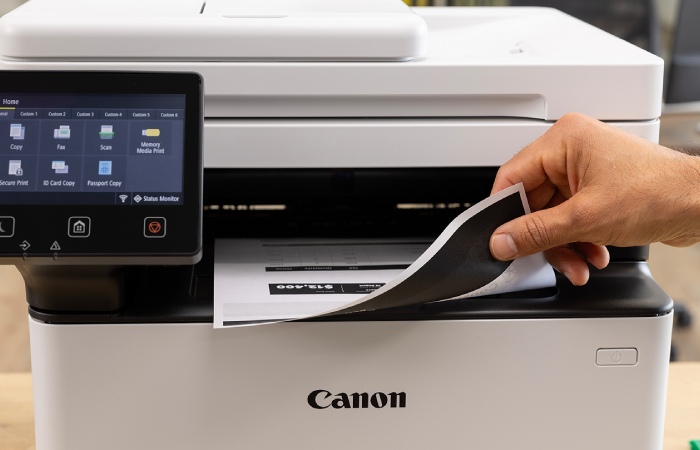
Laser printers are built for efficiency and speed. Instead of liquid ink, they use toner powder and heat to create prints. This makes them ideal for office environments where large volumes of documents are printed regularly. Although the initial cost is higher, the cost per page is significantly lower, making them economical for long-term use.
All-in-One Printers
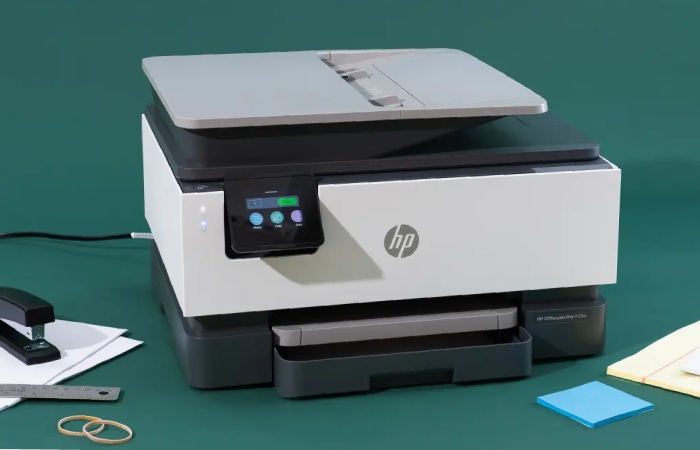
All-in-One printers combine printing, scanning, and copying in a single machine. Many models also include fax capabilities. These devices are particularly useful in home offices or small businesses where space-saving and multifunctionality are important. Most modern AIO printers available at Walmart support wireless printing and mobile connectivity.
Photo Printers
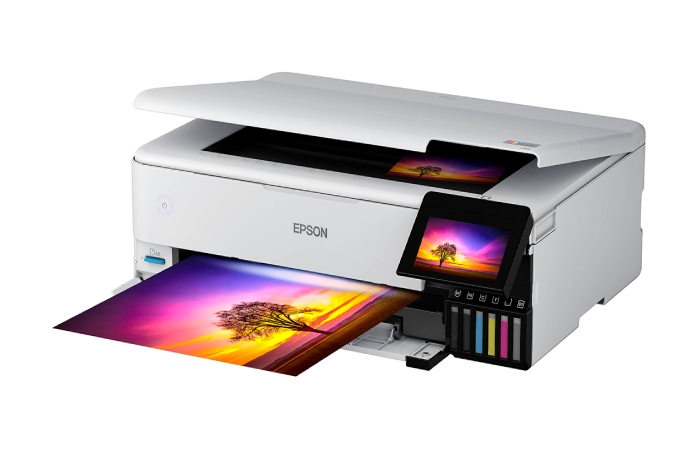
Photo printers are designed specifically for high-resolution image printing. They deliver superior color accuracy and detail compared to standard inkjet printers. These are ideal for photography enthusiasts or professionals who require studio-quality prints at home.
Walmart’s Printer Selection
Walmart offers a broad portfolio of printers from globally recognized brands. These include HP, Canon, Epson, Brother, and Lexmark. Each brand brings its own strengths, whether it is print quality, durability, or innovative ink systems.
Instead of overwhelming buyers with too many choices, Walmart categorizes printers clearly based on usage—home, office, or professional—making the selection process smoother.
Key Factors to Consider Before Buying
Selecting a printer should be based on usage patterns rather than just price. A student printing a few pages a week will have very different needs compared to a business printing hundreds of documents daily.
| Factor |
Explanation |
Ideal Choice |
| Printing Needs |
Type of output required |
Inkjet for mixed use, Laser for text-heavy |
| Monthly Volume |
Number of pages printed |
Laser for high volume |
| Speed |
Measured in pages per minute |
Higher speed for office tasks |
| Connectivity |
Wi-Fi, USB, Ethernet |
Wireless for flexibility |
| Functions |
Print, scan, copy |
All-in-One for multi-use |
| Running Cost |
Ink or toner expenses |
Tank or laser printers |
Understanding these aspects helps avoid long-term dissatisfaction.
Popular Printers at Walmart
Walmart features several models that consistently rank high in customer satisfaction due to their performance and value.
| Model |
Type |
Use Case |
Key Feature |
| HP DeskJet 2755e |
Inkjet AIO |
Home use |
Compact and affordable |
| Canon PIXMA MG3620 |
Inkjet AIO |
Photos + documents |
Good color output |
| Epson EcoTank ET-2720 |
Ink Tank |
Frequent printing |
Low running cost |
| Brother HL-L2350DW |
Laser |
Office |
Fast monochrome printing |
| HP OfficeJet Pro 9015e |
AIO |
Business |
Smart productivity features |
These models demonstrate how Walmart balances affordability with functionality.
Pricing and Value
One of Walmart’s biggest advantages is competitive pricing. Printers are available across multiple budget segments, allowing buyers to choose according to their financial comfort.
| Category |
Price Range |
Suitable For |
| Entry-Level |
$30 – $100 |
Students, occasional users |
| Mid-Range |
$100 – $250 |
Families, home offices |
| Premium |
$250 – $500+ |
Businesses |
Seasonal sales and promotions further enhance value, especially during major shopping events.
Ink and Toner Costs
While upfront cost matters, long-term expenses often depend on ink or toner usage. Many buyers overlook this factor, leading to higher overall costs.
| Type |
Cost Efficiency |
Usage |
| Inkjet |
Moderate |
Occasional printing |
| Laser |
High |
Frequent printing |
| Ink Tank |
Very High |
Heavy usage |
Organizations like Consumer Reports and PCMag frequently highlight how cost-per-page is a critical metric when evaluating printers.
Shopping Experience: In-Store vs Online
Walmart provides both physical and digital shopping options, each offering distinct advantages.
| Feature |
In-Store |
Online |
| Interaction |
Physical inspection |
Product reviews |
| Assistance |
Staff support |
Detailed specs |
| Selection |
Limited |
Wider variety |
| Convenience |
Immediate purchase |
Home delivery |
Online shopping tends to offer more variety, while stores allow immediate purchase and hands-on inspection.
Warranty and Return Policy
Most printers come with a manufacturer warranty ranging from a few months to a year. Walmart also offers a return window, giving buyers confidence in their purchase.
| Policy |
Duration |
| Manufacturer Warranty |
90 days – 1 year |
| Return Policy |
Up to 90 days |
It’s always advisable to check specific product terms before buying.
Setup and Installation
Modern printers are designed for easy installation. Most models guide users step-by-step through setup, often via mobile apps.
| Step |
Description |
| 1 |
Unpack and assemble |
| 2 |
Install cartridges |
| 3 |
Connect power |
| 4 |
Setup Wi-Fi |
| 5 |
Install software |
| 6 |
Test print |
This process typically takes less than 30 minutes for most users.
Maintenance and Longevity
Maintaining a printer properly ensures consistent performance and avoids costly repairs. Regular cleaning and timely replacement of consumables are essential.
| Task |
Purpose |
| Clean print heads |
Maintain quality |
| Replace cartridges |
Avoid damage |
| Update firmware |
Improve performance |
| Keep dust-free |
Extend lifespan |
Simple maintenance habits can significantly extend the life of your printer.
Eco-Friendly Printing Options
Sustainability is an important consideration for many buyers today. Several printers at Walmart include environmentally friendly features.
| Feature |
Benefit |
| Duplex printing |
Reduces paper use |
| Energy-efficient design |
Saves electricity |
| Refillable ink tanks |
Minimizes waste |
Programs like Energy Star help identify energy-efficient products that reduce environmental impact.
Conclusion
Choosing the right printer at Walmart depends largely on how you intend to use it. Inkjet printers are ideal for occasional and photo printing, while laser printers offer efficiency for high-volume tasks. All-in-One printers provide versatility, making them a popular choice for home offices.
Walmart’s extensive range ensures that every user—from students to professionals—can find a suitable option within their budget. By focusing on long-term costs, essential features, and real usage needs, you can make a smart investment that delivers value for years.
